
Why do so many short-form campaigns produce more clips, but fewer winners? In most cases, the problem isn't creativity. It's process.
A strong AI video workflow gives your team speed with control. Instead of treating AI like a slot machine, you use it as a structured production system, from idea to insight. That shift matters most when campaigns need volume, versions, and fast approvals.
https://www.youtube.com/watch?v=AdjllfZuqYM
Build a brief that your AI video workflow can follow
Short-form brand work breaks when every asset starts from a blank prompt. So begin with one shared campaign brief. Keep it tight: audience, offer, promise, proof point, tone, platform specs, brand rules, and claims that need review.
Then turn that brief into production inputs. Ask AI for hook options, script angles, scene ideas, and rough cut structures. However, don't approve outputs in the chat window. Move approved ideas into a central storyboard or scene plan, because that's where teams stay aligned.

A practical handoff looks like this: the strategist owns the brief, the copy lead shapes hooks and scripts, and the creative lead approves visual direction before generation starts. If your team uses a scene-based platform such as Spectoria, this step gets easier. You can turn one idea into a multi-scene storyboard, preview frames, and refine weak scenes before spending credits on motion.
This simple ownership map keeps handoffs clean:
| Stage | AI helps with | Human owner |
|---|---|---|
| Brief to concepts | Hook angles, audience framing, offer variants | Strategist |
| Script to storyboard | Shot order, pacing, visual references | Copy lead, creative lead |
| Versioning to publish | Captions, cutdowns, language variants | Channel manager |
When each stage has an owner, AI becomes a production aid, not a source of drift. For a broader view of current stacks, this AI video workflow guide is useful context.
Use scene-first production to protect brand consistency
Once the brief is locked, move from script to scenes. This is where many teams lose brand control. One prompt might create a polished product shot, while the next creates a completely different world. As a result, the campaign feels stitched together.
A scene-first workflow fixes that. Generate still frames or storyboard panels first. Approve composition, styling, product handling, and on-screen talent direction. Then animate the approved scenes into video. This reduces waste and gives reviewers something concrete to approve early.
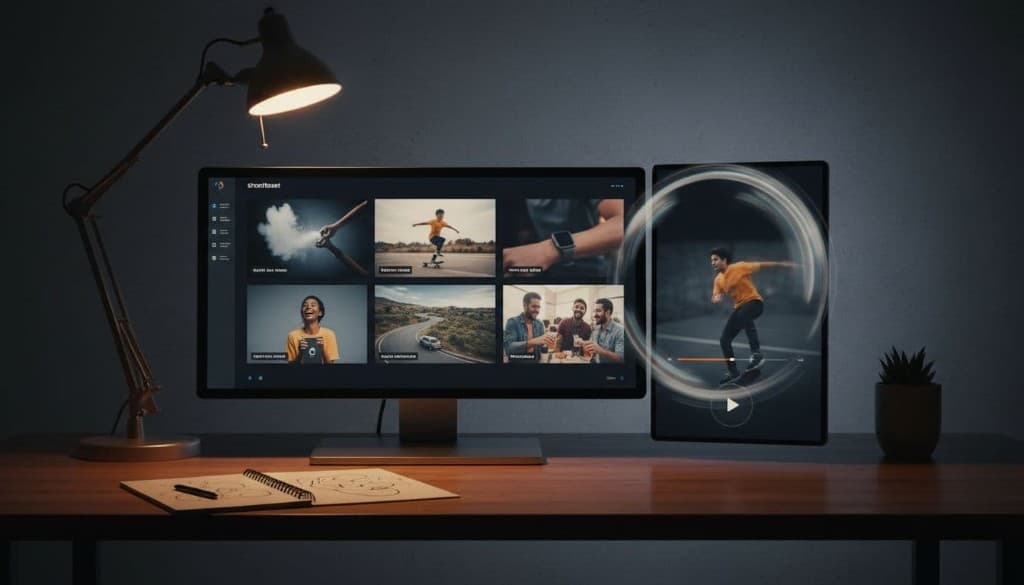
In 2026, more brand teams are working across several video models instead of betting on one. That's useful, but only if your references stay fixed. Lock your character look, product angles, lighting direction, and color treatment before you create variants. Otherwise, you get quantity without a recognizable brand system.
The fastest team isn't the one generating the most clips. It's the one rejecting weak scenes early.
Keep versioning disciplined. Change one variable at a time: hook, first scene, CTA, or voiceover. Don't change all four in one pass, or the performance data becomes muddy. For example, if a paid social lead wants six ad versions, build them from the same approved scene map. Swap the opening three seconds, not the whole visual language.
This is also where legal and rights checks begin, not at the end. If a product claim appears in frame one, legal should review it before you animate twenty edits. If you use creator likeness, UGC footage, or synthetic voice work, contracts need to cover AI edits, dubbing, reuse, and territory.
Treat versioning, approvals, and analysis as one loop
Many teams still treat approvals as a final gate. That slows campaigns down. A better model is rolling review, where each stage has a clear checkpoint and status.
Use one source of truth for asset names, cut status, market version, and approval state. Keep pre-approved copy blocks, claim language, disclosures, and CTA options in the same workflow. Then your localization team can adapt faster without rewriting the brand from scratch.

Localization is more than translation. You may need a different opening line, regional offer framing, native captions, or a new aspect ratio. Still, the campaign should keep the same scene logic and brand cues. That balance matters because local relevance can lift performance, while visual inconsistency can hurt trust.
Approvals work best when responsibilities are fixed. Brand approves look and tone. Legal approves claims and disclosures. Media approves channel fit. The editor or content lead only moves assets forward when all three are clear. For a brand-side view of those review standards, see this AI video production guide for brands.
After launch, feed results back into the workflow. Track hold rate, completion rate, click-through, saves, and cost per result by scene, hook, and CTA. Then store winning patterns in a prompt and storyboard library. Some teams now tag every asset by scene type and message angle, because it makes the next campaign faster and smarter. This short-form video ads with AI workflow shows how fast that test-and-learn cycle is moving.
AI doesn't remove craft. It changes where craft sits. The strongest teams put more care into briefs, checkpoints, and review logic, because that's what keeps speed from turning into noise.
Start with one campaign. Lock the brief, approve scenes before motion, and tag every variant after launch. A better AI video workflow isn't about making more video. It's about making the right video, faster, with fewer surprises.